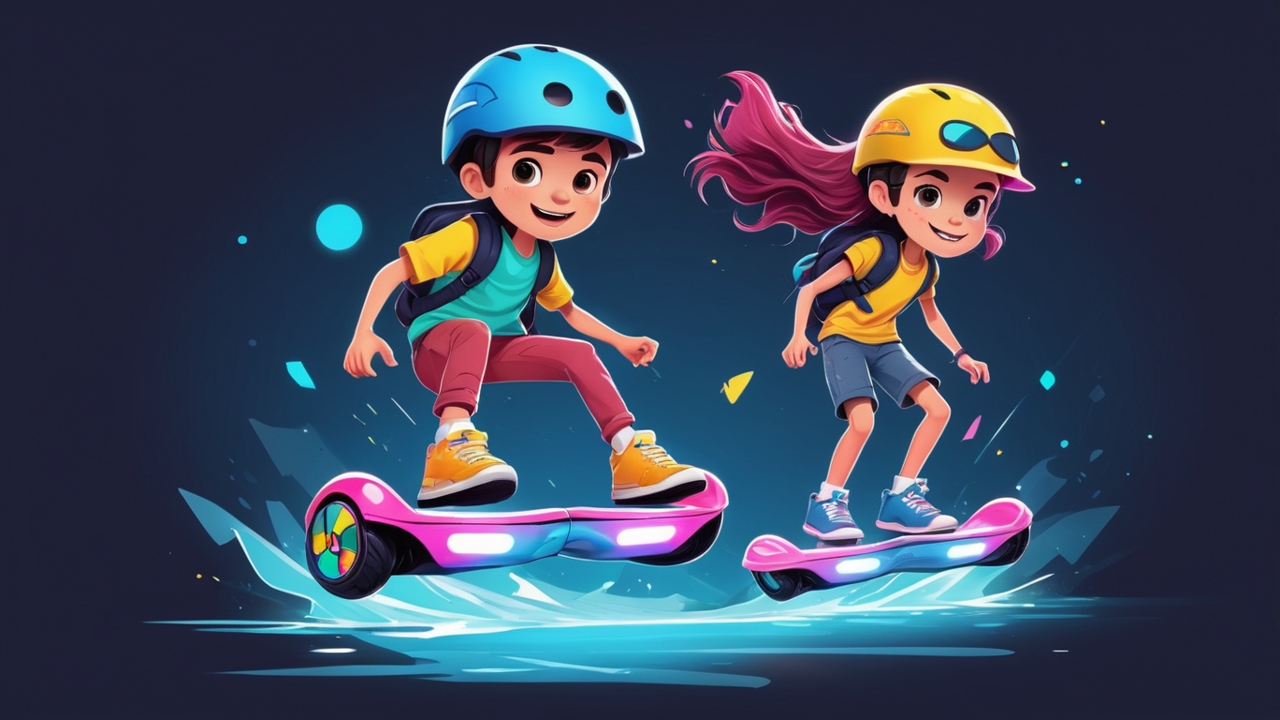
Hoverboards for Kids: Every child who spots a hoverboard wants one. The appeal is obvious: a self-balancing scooter that responds to the rider’s body weight, glides across the pavement, and comes loaded with LED lights and Bluetooth speakers.
But for parents, the excitement is quickly followed by a list of questions. Are hoverboards actually safe? What age is appropriate? What should you look for — and what should you avoid? This guide walks through it all, drawing on the same practical thinking that informs good educational decision-making at LearningMole, where we help families understand how children learn, grow, and build physical confidence.
The short answer on safety is that modern hoverboards, when chosen carefully and used correctly, are a reasonable activity for children aged eight and above. The longer answer involves understanding what the UL 2272 certification actually means, why wheel size matters for younger riders, and how beginner mode changes the learning curve. Getting those details right before purchase makes a real difference to how safe and enjoyable the experience turns out to be.
This guide covers how hoverboards work, what features genuinely matter for younger riders, a clear age-by-age safety breakdown, practical tips for teaching your child to ride, and how to keep the board in good condition. There’s also a troubleshooting section for the problems parents most commonly encounter after the first few weeks. By the end, you’ll have everything you need to make a confident, informed decision.
How Do Hoverboards Work?
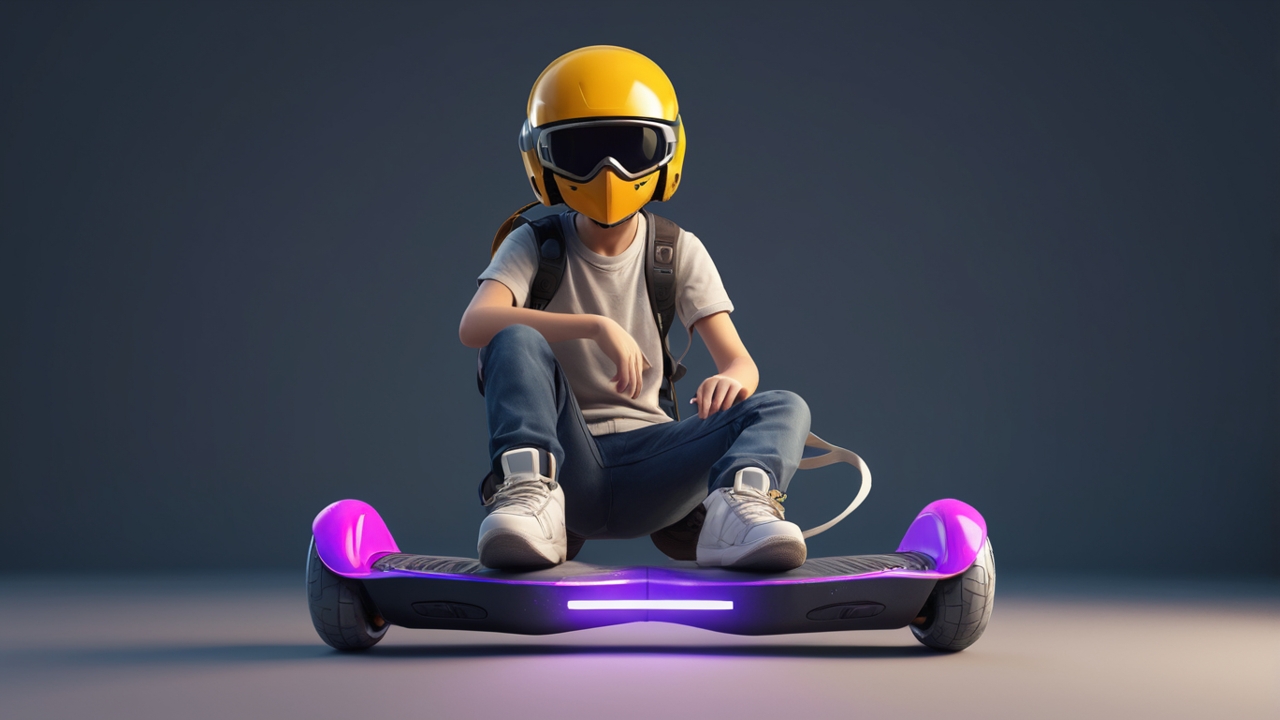
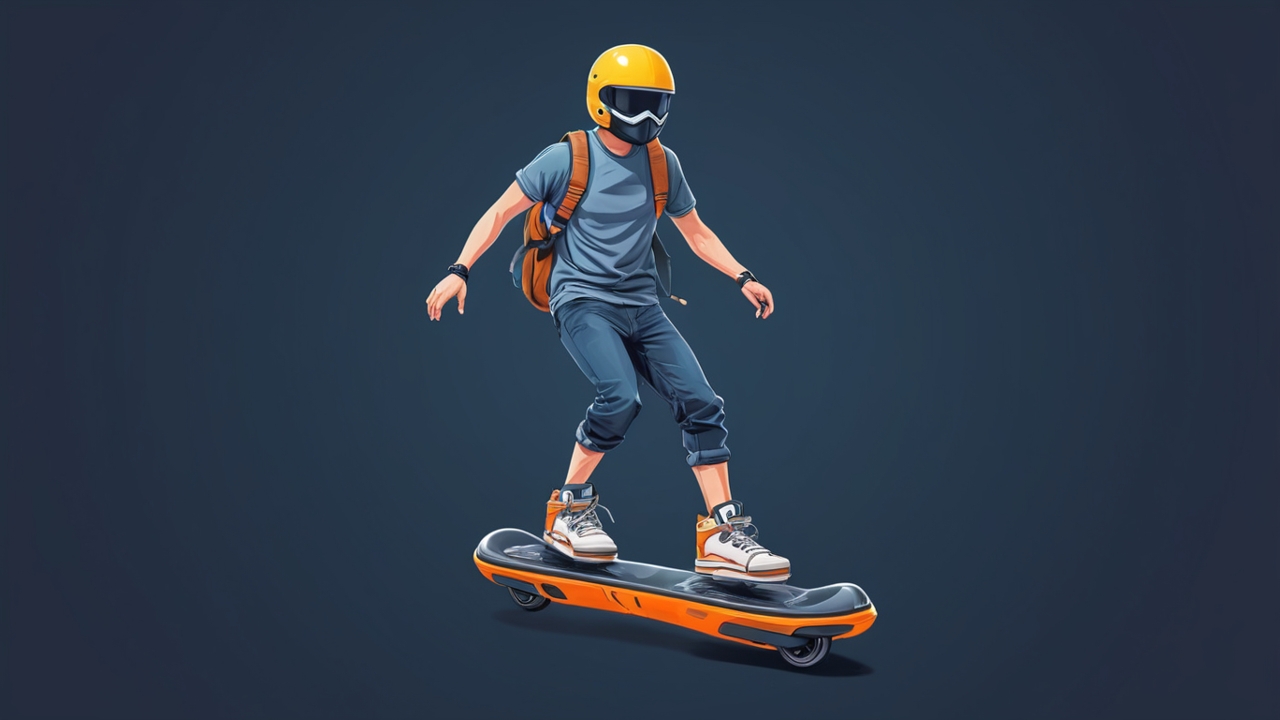
A hoverboard is a two-wheeled, self-balancing electric scooter. The rider stands on a central platform, and the board responds to changes in body weight — leaning forward moves it forward, leaning back slows it down or reverses it, and shifting weight to one side causes it to turn.
The technology behind this is a combination of gyroscopic sensors and electric motors. The gyroscopes detect the rider’s position and angle multiple times per second. When a child leans slightly forward, the sensors register the tilt and signal the motors to accelerate to compensate, which moves the board forward. This happens so quickly that the board appears to anticipate the rider’s movement rather than react to it.
Each wheel has its own independent motor, which is why turning is controlled by leaning differently on each foot. Turning right means pressing the right foot gently forward while keeping the left foot neutral, and vice versa. This takes some practice for children, but the self-balancing system provides a constant corrective force that makes the learning process more forgiving than it initially seems.
The battery sits in the centre of the board and powers both motors. Most children’s hoverboards run on lithium-ion battery packs and offer between 45 minutes and two hours of ride time, depending on the rider’s weight, terrain, and speed. Recharging typically takes two to three hours.
Are Hoverboards Safe for Kids to Use?
Hoverboards can be safe for children when the right board is chosen, and proper protective gear is worn consistently. The two biggest risk factors are poor-quality boards (particularly unverified batteries) and riding without a helmet and protective padding.
The most important safety marker is UL 2272 certification. This is an independent electrical safety standard that tests the battery, charger, and wiring for fire and shock risk. Hoverboards without this certification have not been independently verified and carry a higher risk of battery overheating. The CPSC (Consumer Product Safety Commission) recalled over 500,000 hoverboards between 2016 and 2021 because of battery fire risk — in almost every case, the recalled boards were from brands that had not met rigorous safety standards. Always check for UL 2272 certification before buying.
“Physical confidence matters as much as academic confidence. When children learn to balance and coordinate their movements on something like a hoverboard, they’re building the kind of self-belief that carries into everything else they do. Safety comes first, but the activity itself is genuinely valuable.” — Michelle Connolly, Founder of LearningMole and former teacher with over 15 years of classroom experience
Beyond certification, the safety of hoverboard use comes down to protective gear, appropriate terrain, and supervision. Children under eight are generally not recommended for hoverboards because their balance and coordination are still developing. From eight upwards, with the right gear and a beginner-friendly board, the activity is well within reach.
Recommended Protective Gear
Regardless of how confident a child becomes, protective gear should be worn every time. These are the minimum requirements:
Helmet — a correctly fitted cycling or multi-sport helmet is non-negotiable. A loose helmet provides very little protection.
Knee pads — falls from hoverboards tend to be forward falls, and knees take much of the impact.
Elbow pads — important, particularly during the learning phase when falls are more frequent.
Wrist guards — children instinctively put their hands out when falling. Wrist guards reduce the risk of fractures significantly.
Age-by-Age Safety Guide
Age Group
Min. Wheel Size
Max Speed
Key Safety Kit
5–7 years
6.5 inch
6 mph / 9.6 km/h
Helmet, wrist guards, knee and elbow pads
8–10 years
6.5 inch
7–8 mph / 11–13 km/h
Helmet, knee and elbow pads
11–14 years
8 inch
Up to 10 mph / 16 km/h
Helmet (essential)
Choosing the Right Hoverboard for Kids
With so many boards on the market, the number of options can be confusing. Most of the features that genuinely matter for children can be evaluated through a short list of criteria.
Key Features and What They Mean
Feature
Why It Matters for Kids
Look For
UL 2272 Certification
The only independently verified fire and electrical safety standard. Without it, the battery poses a genuine risk.
Mandatory — non-negotiable
Wheel Size
6.5-inch wheels suit most children under 10. Larger 8-inch wheels offer more stability on uneven surfaces.
6.5″ for beginners, 8″ for older riders
Weight Limit
Check the manufacturer’s spec carefully
Each board has a maximum rider weight. Exceeding it affects the balance technology and battery performance.
Lithium-ion batteries power all hoverboards. UL-certified packs have passed overcharge and heat tests.
UL-certified battery pack
What Size Hoverboard is Best for Children?
Wheel size is one of the most practical decisions when choosing a hoverboard for a younger child. A 6.5-inch wheel is the standard recommendation for children under 10. At this size, the board is lighter and lower to the ground, making it easier to mount, dismount, and control. The smaller footprint also makes manoeuvring more intuitive.
Children aged 10 and above, particularly those with some riding experience, can move to an 8-inch wheel. This size provides more stability on slightly uneven terrain and suits faster, more confident riders.
For children interested in all-terrain riding — grass, gravel, or garden paths — there are hoverboards with 8.5-inch or larger off-road tyres. These boards are heavier and generally not recommended for children under 10.
Should You Choose a Hoverboard with Bluetooth or LED Lights?
Built-in Bluetooth speakers and LED lights are popular features, and neither affects safety either way. Bluetooth allows children to connect their phones and play music while riding, which many find motivating during longer outdoor sessions. LED lights improve visibility in lower light conditions and add a visual element that children enjoy.
Neither feature should be prioritised above UL 2272 certification, wheel size, or beginner mode — but if two boards are otherwise comparable, a model with LED lights and a stable Bluetooth connection is a worthwhile choice for a child who plans to ride regularly.
Some boards include companion apps that show speed, battery level, and allow parents to set a maximum speed remotely. This can be particularly useful in the early weeks of riding.
How to Teach Children to Ride a Hoverboard Safely
The learning process for most children takes between one and three sessions before they feel genuinely comfortable. The key is slowing down the initial steps rather than rushing to independent riding.
Step One: Preparation
Before the child puts a foot on the board, make sure the hoverboard is fully charged, and beginner mode is activated if the model supports it. Beginner mode caps the speed, usually to around 4 or 5 mph, which gives more time to correct balance before things go wrong. All protective gear should be on before the session starts, not partway through.
Step Two: Getting On
The board should be placed on a firm, flat surface — not carpet or grass for first attempts. Have your child stand beside the board and place one foot on it, pressing down to keep the board level. Then bring the second foot up. Many children find it helpful to hold onto a wall, fence, or a trusted adult’s arm for the first few attempts. The board will wobble initially, which is normal.
Step Three: Finding Balance
Once both feet are on, ask your child to stand as still as possible and get used to the sensation of the board making small corrections beneath them. This is when the gyroscopes are working hardest. Most children find this the strangest part. Encourage them to look forward rather than down at their feet.
Step Four: Moving and Turning
Moving forward comes from a very slight lean, not a dramatic shift in weight. Children often overcompensate at first, which causes the board to move faster than expected. Practise small, controlled movements. Turning by shifting weight to one foot relative to the other takes the most practice. Start with wide, gentle turns before attempting tighter ones.
Step Five: Dismounting
Stepping off is where many falls happen, including for experienced riders. The safest method is to step back with the dominant foot first, landing firmly before removing the second foot. Jumping off or stepping off with both feet simultaneously is unsafe.
UK Rules on Where Children Can Ride Hoverboards
In the United Kingdom, hoverboards are classified as Personal Light Electric Vehicles (PLEVs). Under current UK law, they are not permitted on public roads, cycle lanes, or pavements. This has been the legal position since at least 2015 and reflects the Road Traffic Act, which requires motorised vehicles on public roads to be registered, taxed, and insured.
Children can legally ride hoverboards on private land with the landowner’s permission. In practice, this means gardens, driveways, private car parks outside opening hours, and some designated areas. Riding in parks depends on the local authority and park management. Parents should check before allowing children to ride in public spaces.
This is worth explaining to children before they ride, so expectations are clear from the start. Many families find that garden and driveway riding is sufficient for the first few months while skills develop.
Maintaining a Kids’ Hoverboard: What Parents Need to Know
A well-maintained hoverboard lasts significantly longer and performs more reliably. Most maintenance tasks are straightforward and take a few minutes each week.
Clean the board after each outdoor session using a dry or lightly damp cloth. Pay particular attention to the wheel wells, where debris collects and can affect motor performance.
Inspect the wheels for cracks or wear every few weeks. A damaged wheel affects balance and ride quality.
Check the foot pads for wear. If the non-slip surface is wearing away, replacement pads are available for most brands.
Charge the board according to the manufacturer’s instructions. Avoid leaving it on charge overnight repeatedly, as this shortens battery life over time.
Store the board in a dry environment. Exposure to moisture can damage the electronics and the battery.
Common Issues and How to Fix Them
Problem
Likely Cause
Fix
Won’t turn on
The battery is fully depleted, or charging port is faulty
Charge for at least 2 hours; inspect the port for debris
Wobbling / erratic movement
The battery is fully depleted, or charging port is faulty
Gyro sensors need to be calibrated
The battery is fully depleted, or the charging port is faulty
The battery drains quickly
Avoid leaving on charge overnight; consider battery replacement
Bluetooth not connecting
Device pairing cache issue
Forget the board in phone settings and re-pair from scratch
A worn battery or consistent overcharging
Wheel motor or sensor fault
One side is not responding
Supporting Your Child’s Physical Development and Learning
Hoverboards are more than a recreational toy — they actively develop balance, spatial awareness, and coordination. These are the same physical skills that underpin sports, handwriting, and practical tasks across the primary curriculum. At LearningMole, we understand that children learn best when physical development and intellectual development are treated as equally important.
Parents looking to support their children’s wider physical and cognitive development will find LearningMole’s educational video library a useful companion to active outdoor learning. Our curriculum-aligned resources for KS1 and KS2 cover science, maths, English, and more — helping children connect what they experience in the world with what they’re learning in school.
If your child becomes interested in how hoverboards work from a scientific perspective, this connects naturally to Year 4 and Year 6 Science topics. The gyroscope mechanism links to forces and motion (Year 5, working scientifically), the battery chemistry touches on materials and their properties, and the programming behind the sensor response is a natural starting point for computing concepts. LearningMole has resources across all these areas that bring technical ideas to life for primary-aged children.
Frequently Asked Questions
What age is suitable for a kids’ hoverboard?
Most manufacturers and safety guidelines recommend hoverboards for children aged eight and above. Below this age, balance and coordination are still developing rapidly, and the risk of falls is considerably higher. Some smaller boards marketed at 5–7-year-olds exist, but these should only be used under close adult supervision and on smooth, flat surfaces, always with full protective gear. The specific child matters as much as the age — a physically confident 7-year-old and a less confident 9-year-old may have very different experiences.
Are hoverboards legal for kids to ride in the UK?
Hoverboards are legal to own and ride in the UK, but not on public roads, cycle lanes, or pavements. They can be used on private land with the landowner’s permission. This includes private gardens, driveways, and designated private areas. Riding in public parks depends on local authority rules, so it’s worth checking before assuming permission. This legal position has been consistent since the Road Traffic Act was applied to PLEVs in 2015.
How do I know if a hoverboard is safe to buy?
The single most important marker is UL 2272 certification, which is an independent electrical safety test covering the battery pack, charger, and wiring. Without this, there is no independent verification that the board is safe. Beyond certification, look for a recognisable brand with a clear UK warranty and customer support contact. Check reviews that specifically mention long-term use and battery performance. Avoid boards sold without model numbers or clear manufacturer information.
How do I take a hoverboard out of beginner mode?
The method for disabling beginner mode varies between brands, but most follow a similar process. Switch the board on and stand on it for 10–30 seconds until the lights stabilise. Then hold the power button for 3–5 seconds until you hear a sound or see a light change. Some boards use a companion app to switch between modes. Check the specific instructions in your board’s manual, as the sequence differs between models. Beginner mode is well worth keeping active for at least the first four to six weeks of riding.
How long does a hoverboard battery last?
Ride time per charge is typically 45 minutes to two hours, depending on rider weight, terrain, and speed. Heavier riders on rougher terrain will see shorter ride times. Overall battery lifespan depends heavily on charging habits: following manufacturer guidelines and avoiding regular overnight charging will significantly extend the battery’s useful life. Most lithium-ion hoverboard batteries last two to four years with reasonable use and proper care.
Can hoverboards be used in the rain?
Most children’s hoverboards are not waterproof. Some have an IP54 splash-resistance rating, which means they can handle light rain for short periods, but they should not be ridden through puddles or left out in wet conditions. Water damage to the battery and electronics is usually not covered under warranty. As a general rule, hoverboards are fair-weather outdoor toys.
What should I do if the hoverboard won’t turn on?
First, ensure the board has been properly charged — allow at least two hours. Check that the charging cable is fully seated in both the board’s port and the mains adapter. If the board still won’t power on, inspect the charging port for bent pins or debris. If the board charges (indicated by a charging light) but won’t turn on after charging, the power button itself may be faulty. Contact the manufacturer’s support team rather than attempting any internal repairs.
How can I help my child learn to ride more quickly?
Short, frequent sessions work better than one long session. Most children’s confidence increases significantly between sessions two and four. Keeping beginner mode on for the first few sessions removes the anxiety of unexpected acceleration. Practise on a smooth, flat surface and avoid rushing to outdoor or uneven terrain until the child can mount, dismount, and turn reliably. A calm approach from parents has a notable effect — children sense anxiety and become more tentative when they feel watched nervously.
Final Thoughts
Hoverboards, chosen carefully and used with appropriate safety precautions, are a genuinely enjoyable outdoor activity for children aged eight and above. The technology has matured significantly since the early models, and UL 2272-certified boards from reputable brands offer a meaningful improvement in reliability and safety. Getting the basics right before purchase — certification, wheel size, beginner mode, protective gear — makes a real difference to how the experience unfolds.
Learning to ride takes patience from both child and parent. Most children who feel nervous at first are confidently cruising by their fourth or fifth session. The physical skills they build — balance, coordination, spatial awareness — carry real value beyond the hoverboard itself, reinforcing the kind of physical confidence that supports wider development.
For families supporting children’s learning both at school and at home, LearningMole offers curriculum-aligned video resources and teaching materials for primary-aged children. Whether you’re looking for science explanations that connect to your child’s natural curiosity about how hoverboards work, or broader support across maths, English, and the humanities, our library is designed to make learning accessible and engaging for children aged 4–11.
Maths Circus, an innovative platform we've crafted, presents a captivating realm where children learn mathematics through the exciting theme of a circus. The joy of juggling numbers and solving circus...
Article Summary What this article covers: Twenty-eight polar animals sorted properly by pole, with 21 from the Arctic, 5 from the Antarctic and 2 found at both, along with the...
Article Summary What this article covers: Five active learning strategies for home education (inquiry-based learning, Socratic questioning, gamification, the concrete-pictorial-abstract approach and teaching back), with zero-preparation ideas for busy parents,...
Article Summary What this article covers: Ten facts about Egypt’s modern history from 1952 to today, including the end of the monarchy, the Suez Crisis, the Aswan High Dam and...





Leave a Reply