One of the most challenging issues in Teaching programming to children is how to find the best resources and curricula to start with and how to manage a plan for the whole study journey.
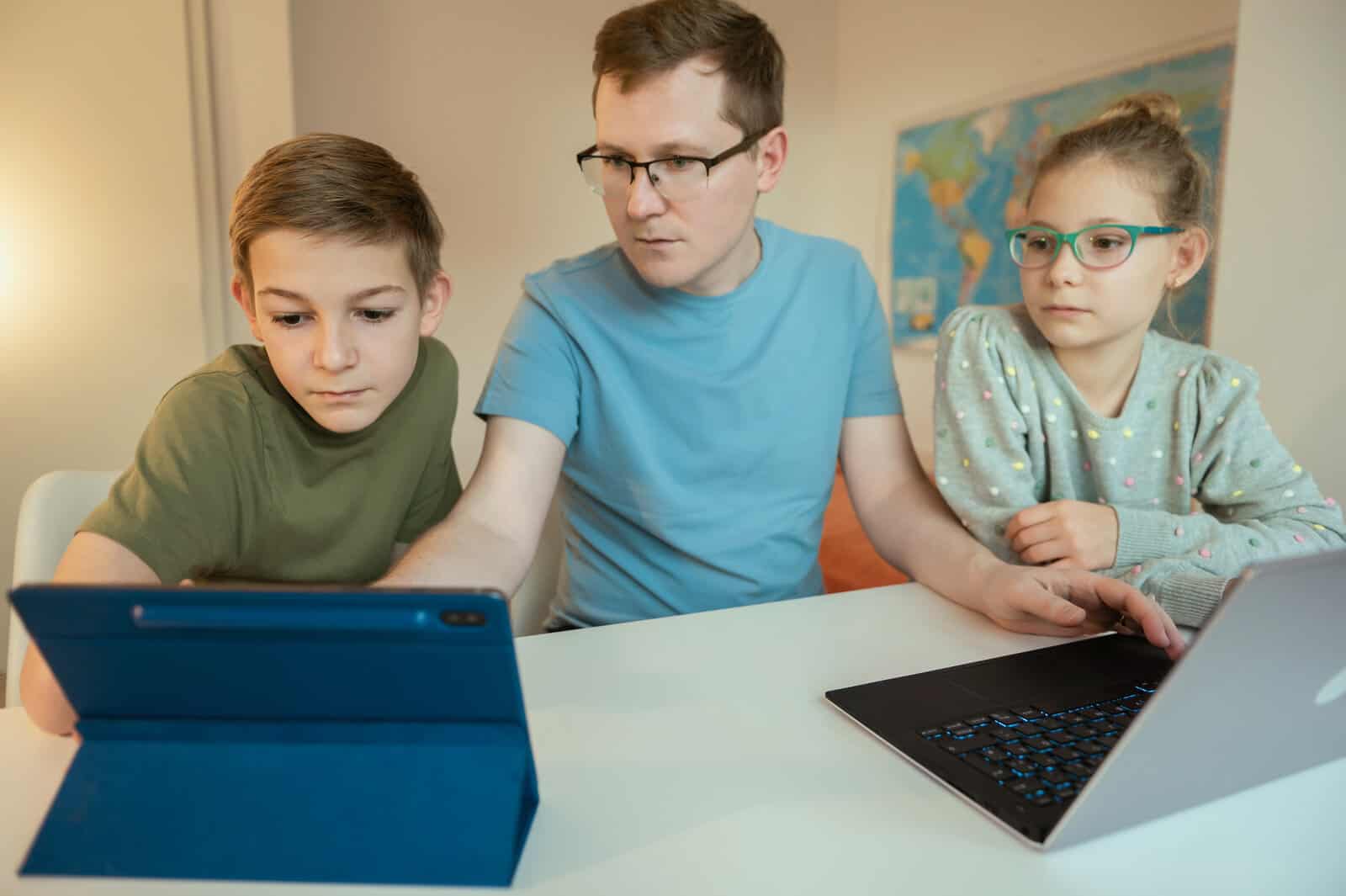
The problem with kids is that they need a mentor to introduce programming concepts to them, the mentor can be a teacher or a parent, both need organized resources and time plan to stick to and to be able to get the best outcome of the learning process.
And the point is that Teaching programming must aim to provide the student with several skills, including getting used to facing problems and searching for solutions, critical and creative thinking, and evaluation.
If programming is taught correctly, it will bring the student to the top of the cognitive hierarchy, as well as develop the skill of decision making whether the solution is suitable for the problem or whether it needs more development.
The method of teaching programming depends on the procedures and steps that would lead to training and the acquisition of problem-solving skills, noting that the mere study of the programming process alone does not lead to the student’s acquisition of problem-solving skills and critical thinking skills, which It is achieved indirectly when teaching programming. Rather, the teacher must design and provide teaching experiences in a way that encourages them to program and trains them to acquire those skills.
So how can we solve this problem with our kids? This is what we will seek to answer in this article, by addressing one of the most effective teaching strategies that the teacher/mentor can use in teaching programming, it’s CS First, the computer science curriculum developed by Google to facilitate access to IT training for both teachers and students.
This article is for any educator who intends to start teaching programming, they can be teachers or parents, the words “educator and teacher” will be used interchangeably as they both are doing the same process which is educating/Teaching.
What is CS First?
Google’s CS Firstis an independent educational platform that presents a FREE computer science curriculum and easy-to-use materials that allow teachers to create coding projects for entire classes.
CS First is a part of Code with Google interactive and comprehensive course-ware, which is designed to help kids learn computer science through hands-on activities and lessons and provide the tools, resources, and training materials that educators need to implement the program and guide the students along the way.
The platform is based on the block-based coding Scratch language, conceived by the Lifelong Kindergarten group of the MIT Media Lab, It is designed for grades 4-8 where students ages 9 to 14 in order to deepen their knowledge in the IT field, more details about scratch can be found here.
Teachers use video tutorials to teach kids the basics of programming with Scratch, the lessons and activities are designed to be hands-on for students. Teachers can have as many students and classes as they want.
CS First is available online and can be used by anyone and in any context (during or after school or in non-school settings).
its idea is based on virtual classes; it allows educators to create an entire virtual class in order to manage a complete path on Coding. The principle is based on a predefined path and a series of accounts that are automatically created on Scratch in the background so that kids can save and share their projects on the MIT platform.
it is not only designed to quickly acquire basic programming skills but also to accompany teachers along the educational paths of coding with suitable curricula.
The transversal activities that each teacher can implement and customize according to their needs to find new and captivating pedagogical solutions: from science animations on the water cycle and the birth of the earth to storytelling projects on history, up to interactive geography, math, and English language games.
Its strategy allows coding with scratch without having to worry about organizing and coordinating the various activities. CS-First will therefore be an integration tool and not an alternative to scratch
So in brief, The CS First platform allows educators to:
create a coding projects
open a virtual club for the class
manage predefined paths on coding
evaluate and certify final skills through a practical and playful “Skills Passport”
Who can use it
Plenty of educators (school teachers and parents) have already used CS First. No experience is required in the field of computer science or in teaching coding classes before. The video tutorials guide students in carrying out the individual activities, allowing the teacher to follow all the participants individually.
Target groups are:
kids (9-14)
Teacher
Parents
How does it work
CS First starts with a simple basic concept: organizing classroom activities, then managing a virtual classroom that encompasses all the activities carried out by students.
It is not an alternative to scratch but a complement, it represents a useful tool to manage paths on Coding with lots of tutorials and objectives available.
Sign in
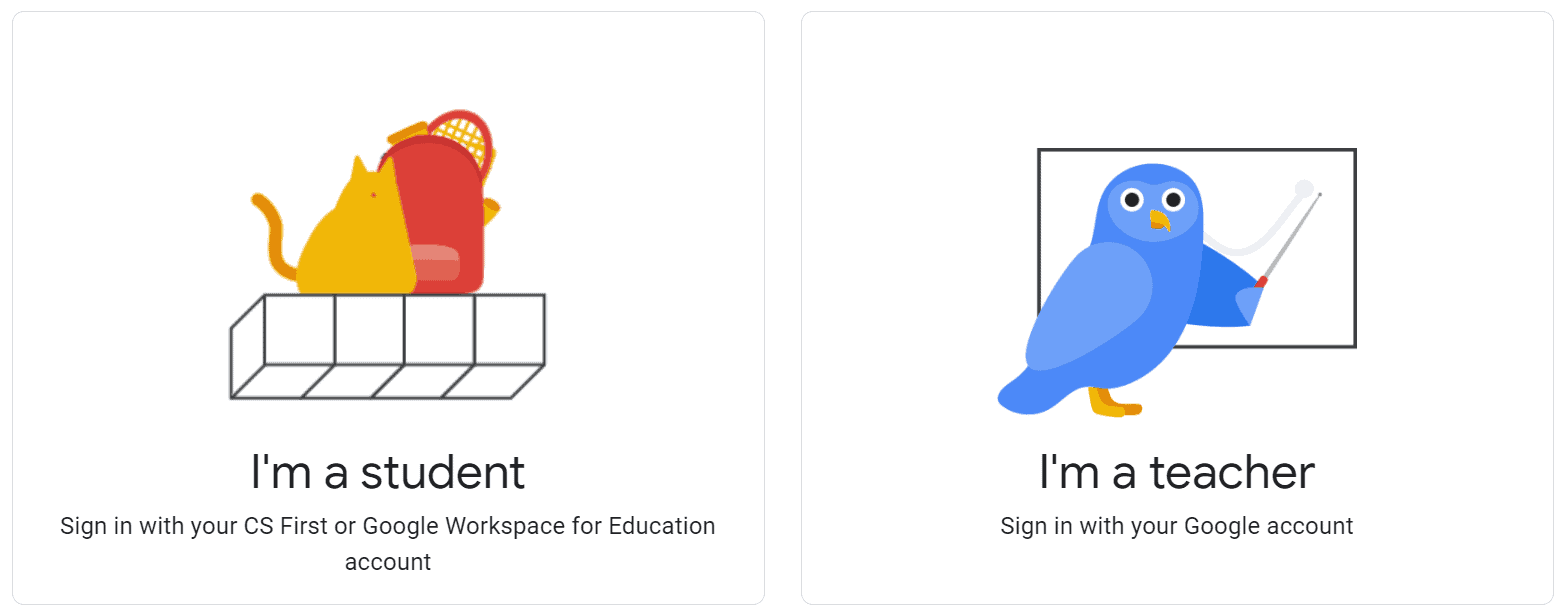
Two options for logging in, as the platform is accessed as a teacher or as a student.
The teacher account is will be created using a Google account, the teacher creates a course or a new class
Once the course is created, a unique “club code” will be created, such code will be displayed to students (written or as a link) and the students will be able to use it to register and easily access it through that code.
Explore the Teacher resources
Dashboard
It is a central hub for teachers to view their profile information, current and past classes, class codes for the students to be able to join, track the students’ progress for each class and monitor their progress on projects, their completion of activities and the videos they watched.
Materials
The educator can access the materials digitally via the dashboard or request to have a kit for each class, which is a box with teacher materials that supports the implementation contains CS First Passports with log-in information, stickers-badges to give out, headphones, peripheral materials for the students and certificates of completion and directions.
Choose a theme
Google CS First’s modules cover a variety of themes, which allows students with varying interests to achieve the best out of the program with passion and satisfaction, there are seven available themes with eight activities for each: Storytelling, Music & Sound, Fashion & Design, Friends, Art, Social Media, Game Design, and Animation.
Each module includes screen-cast tutorials that are informative and make it easy for both students and volunteers to follow along.
Each theme includes 8 activities and 10 hours of video content and it Can be spread over several days or weeks.
The complexity of the Skill level ranges from beginner to advanced.
Start teaching students
The teacher can start his class, access the tools and track student progress using the dashboard.
The tutorials on the platform complete everything since they allow you to learn how to code. There are also projects to start with characters, graphics and multimedia elements ready for use.
Thus, the teacher does not have to start from an empty base but has an effective and communicative starting skeleton and also has a well-defined path that follows him throughout the development of the project.
in fact, the teacher account allows him to activate the so-called coding passport, a document that each student possesses when he reaches goals by completing each of the 8 activities that the path includes.
This way, the teacher has everything under control in a single path, manages the progress of the activities and distributes the badges to those who reach a goal.
In the end, the student will have completed the course and obtained the specific certification by completing the coding passport.
A very interesting thing is the fact that every time a student signs up for the course, he gets an automatically generated username and password to access a personal Scratch area.
Scratch accounts thus do not have to be created by students, there are no privacy or technical problems, they have a particular account that can be managed by the teacher within the CS First platform.
CS First and student skills
CS First builds important skills for students:
Computational Thinking, in which the student will be able to understand how automation works and use algorithmic thinking to develop and test automated solutions.
Communication skills, in which the student will communicate clearly and express himself creatively using the platforms and tools that are appropriate to his goals.
Ethics, by encouraging the student to recognize the rights, responsibilities in the digital world, and how to act and model in legal and ethical way.
Innovation, the student is allowed to use variety of technologies and method within a design process to solve problems by creating new and imaginative solutions.
The curriculum
The curriculum is divided into two parts:
1. One-Hour Lessons
One-hour activities are Five activities are designed for beginners, to teach students the basics of block-based coding and Scratch and can be completed in less than an hour, it ranges from 45-90 minutes.
the activities teach introductory computer science concepts and build basic Scratch skills.
2. Multi-Day units
Multi-day activities depend on the student’s interests and vary in complexity and is divided into 3 levels: introductory, intermediate and advanced. They are designed to introduce basic computer science concepts to students.
Each multi-day activity consists of eight activities and includes roughly 8 – 12 hours of content. For each activity, students will watch a series of video Tutorials and create one coding project using Scratch with the ability to personalize their work using “Add-Ons”.
Here is a detailed and complete CS First Guide by Google.
Requirements
Internet connection
computers
Headphones
Get started with CS First today!
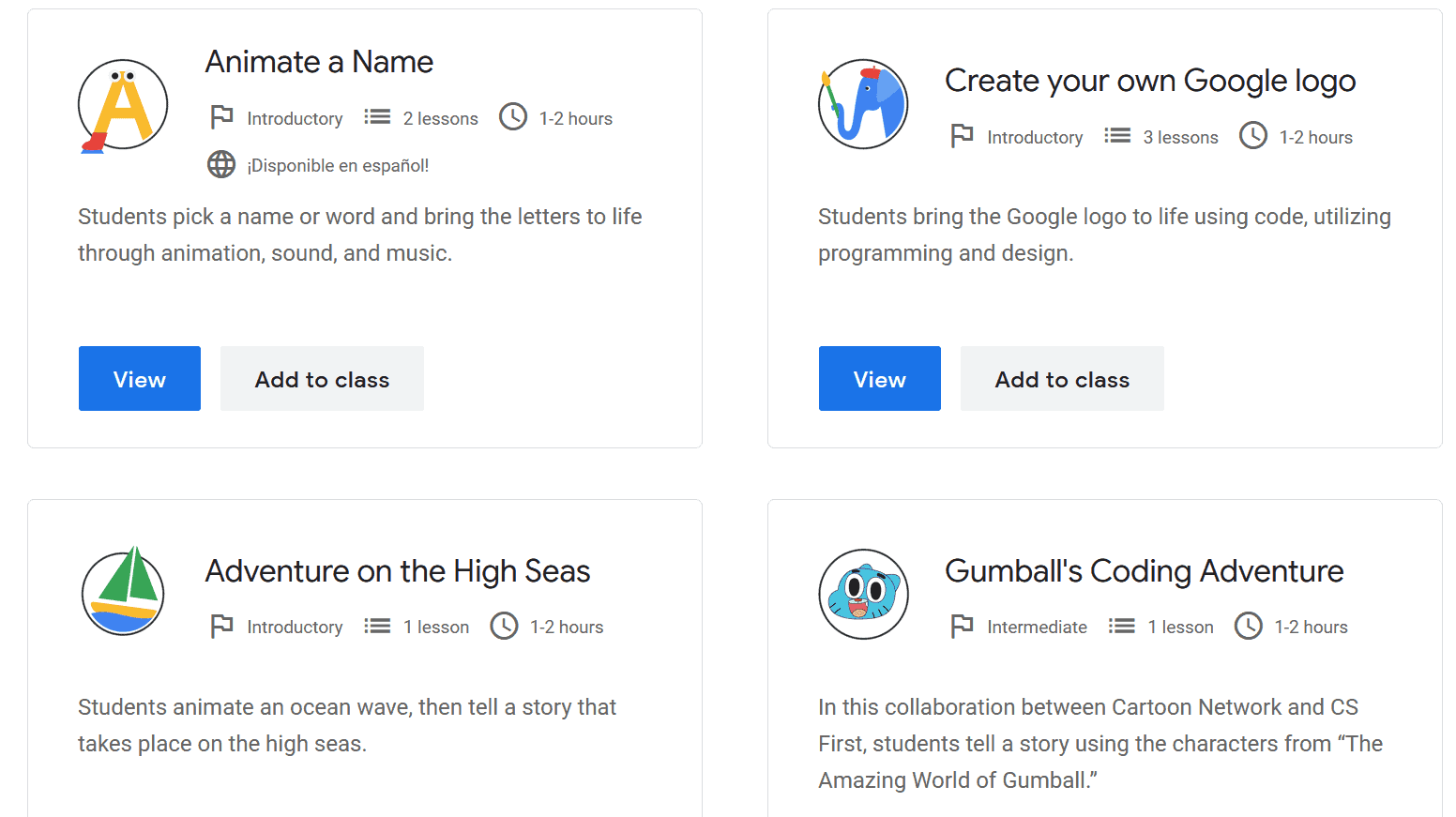
What is mentioned above was just a part of the CS First curriculum. There are many more, including lessons that range from introductory to advanced levels. Check the entire curriculum here.
If it’s not clear where to begin, their curriculum finder can help you to get started.
Starting with the hour of code activities or with an entire unit won’t matter, the students will benefit from the whole experience of learning computer science.
Head over Head over to the login page and sign up as a teacher to get started!
Geometric jewellery is an artistic convergence of precise shapes and deliberately crafted angles, blending the mathematical rigour of geometry with the fluidity of design. We see the essence of shape...
Mathematics and nature intertwine in fascinating ways, creating patterns and sequences that delight and educate. As we observe the world around us, we find that counting petals and leaves isn't...
Maths on the farm is not just about profits and yields; it's a fundamental part of daily farm life, especially when it comes to managing livestock. Our days begin with...




Leave a Reply