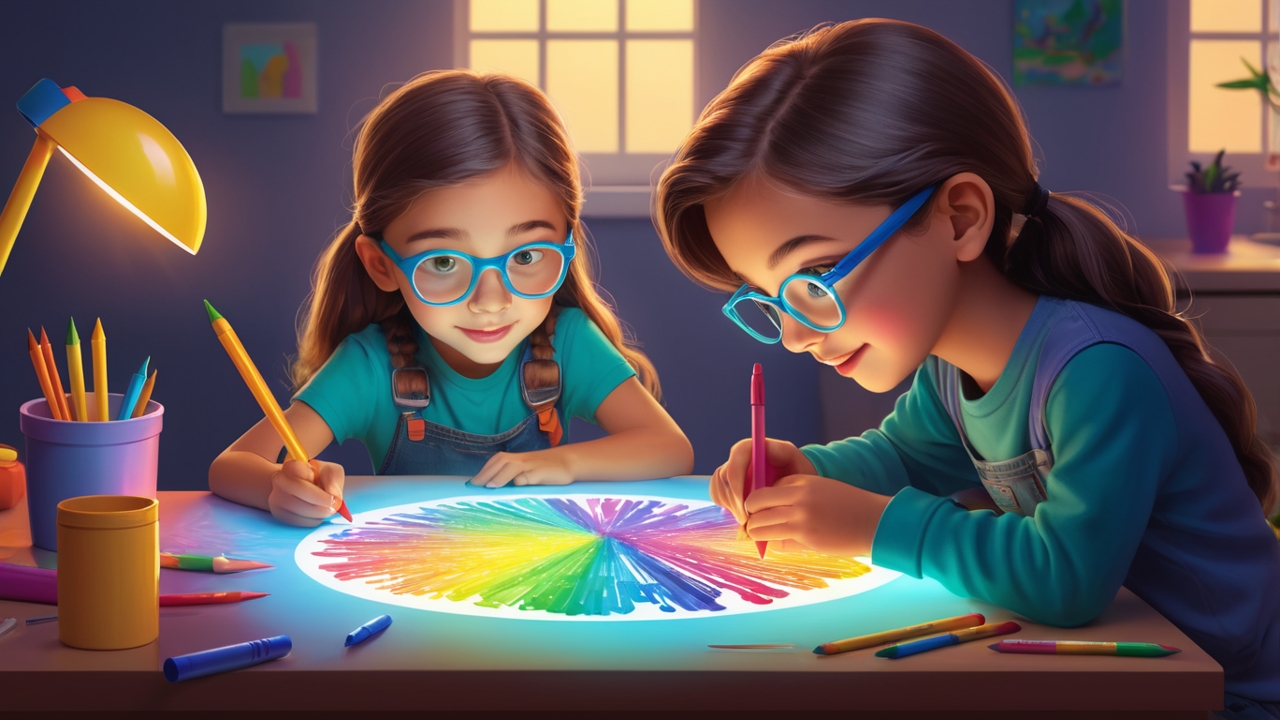
The Crayola Light Designer is one of those tools that tends to arrive in a classroom or living room as a fun toy and quietly reveals itself to be something more interesting. Children draw on a clear dome, press a button to spin it, and watch their artwork animate in the dark.
What looks like a light-up doodle board is actually a physical demonstration of persistence of vision, the same biological principle that makes films, animations, and all moving image work. That connection to real science, computing, and art curriculum objectives is what makes this device worth a second look from teachers and parents who care about purposeful learning.
LearningMole, a UK educational platform founded by former primary school teacher Michelle Connolly, has always championed tools that make abstract concepts visible. The Crayola Light Designer does exactly that: it turns a phenomenon children usually only encounter on a screen into something they can draw, spin, and observe with their own hands. For KS1 and KS2 classrooms covering light and shadow in science, or animation logic in computing, this device offers a tangible entry point that few other resources can match.
This guide maps the Crayola Light Designer to the UK National Curriculum, with specific activities for science, computing, art and design, English literacy, and maths. Whether you are a teacher planning a cross-curricular project or a parent looking for a hands-on activity that goes beyond screen time, you will find practical ideas here that connect directly to what children are learning in school.
What Is the Crayola Light Designer and How Does It Work?
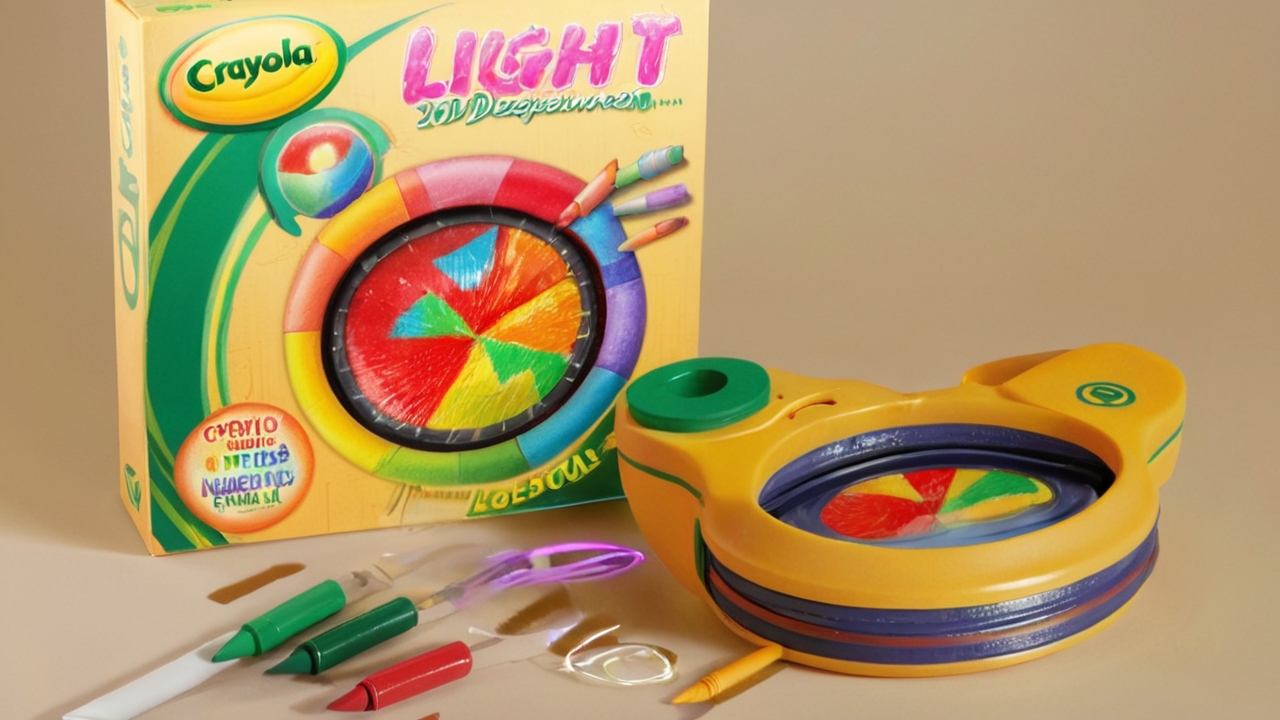
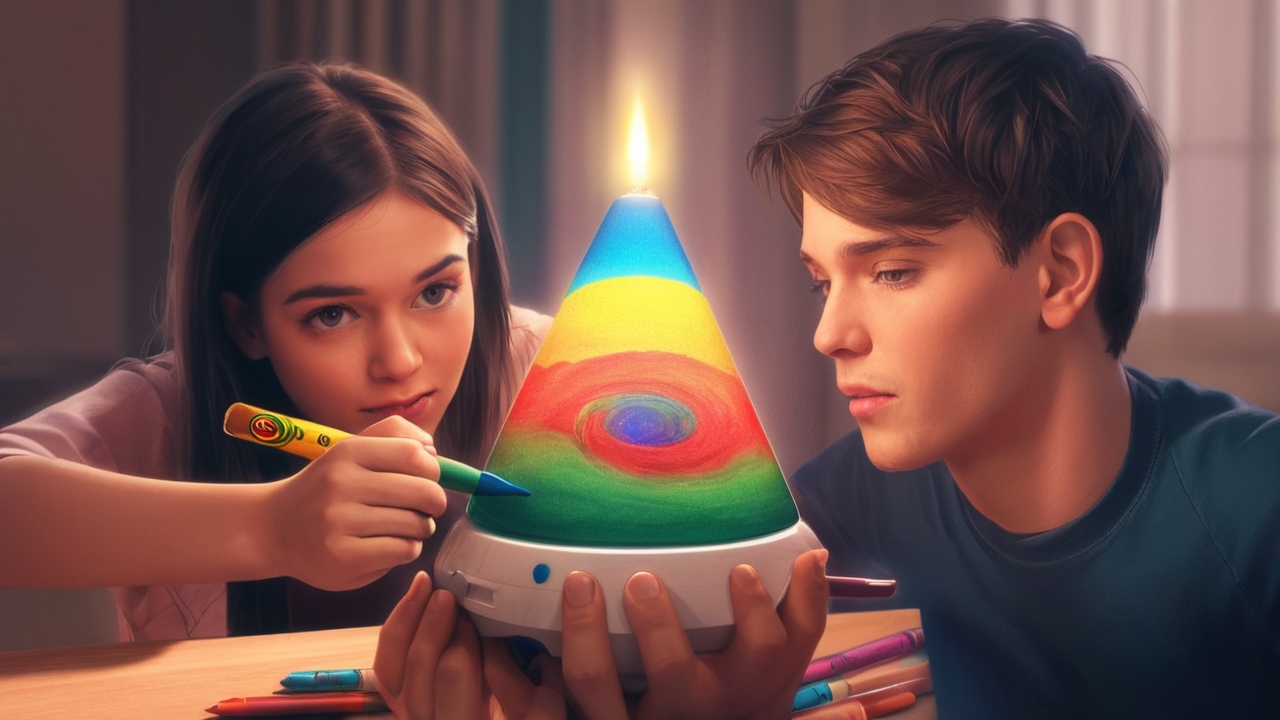
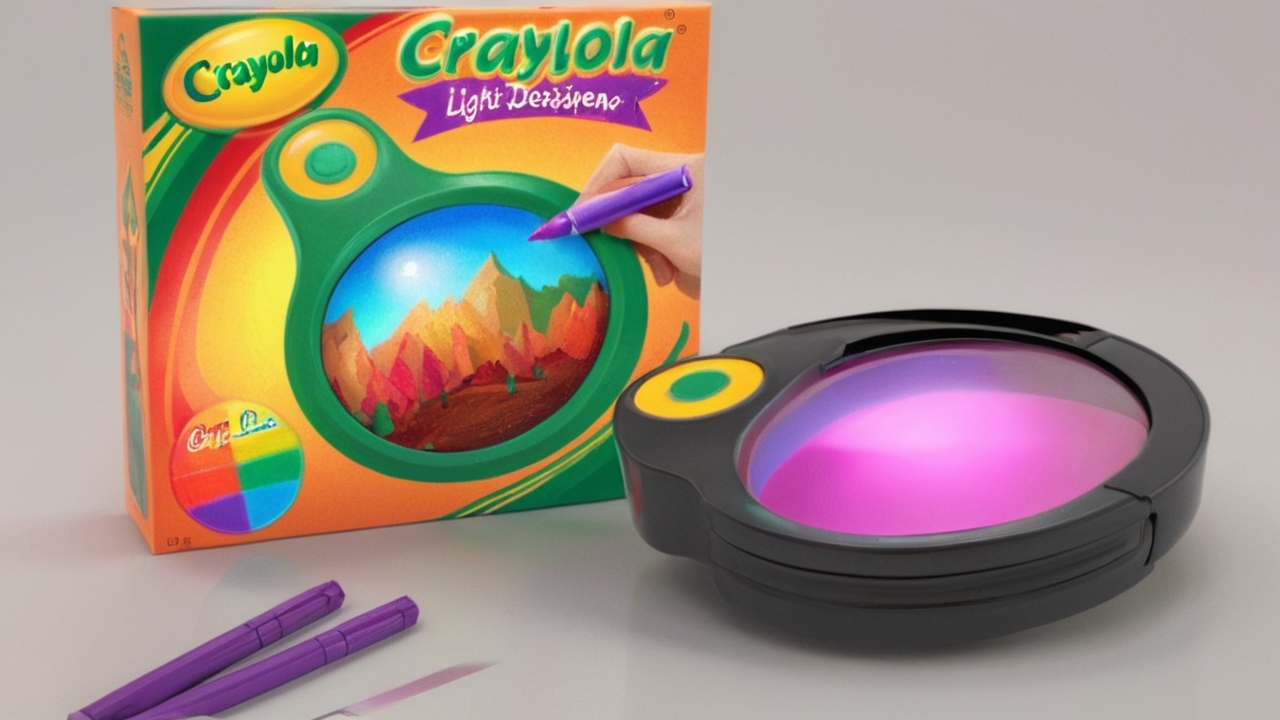
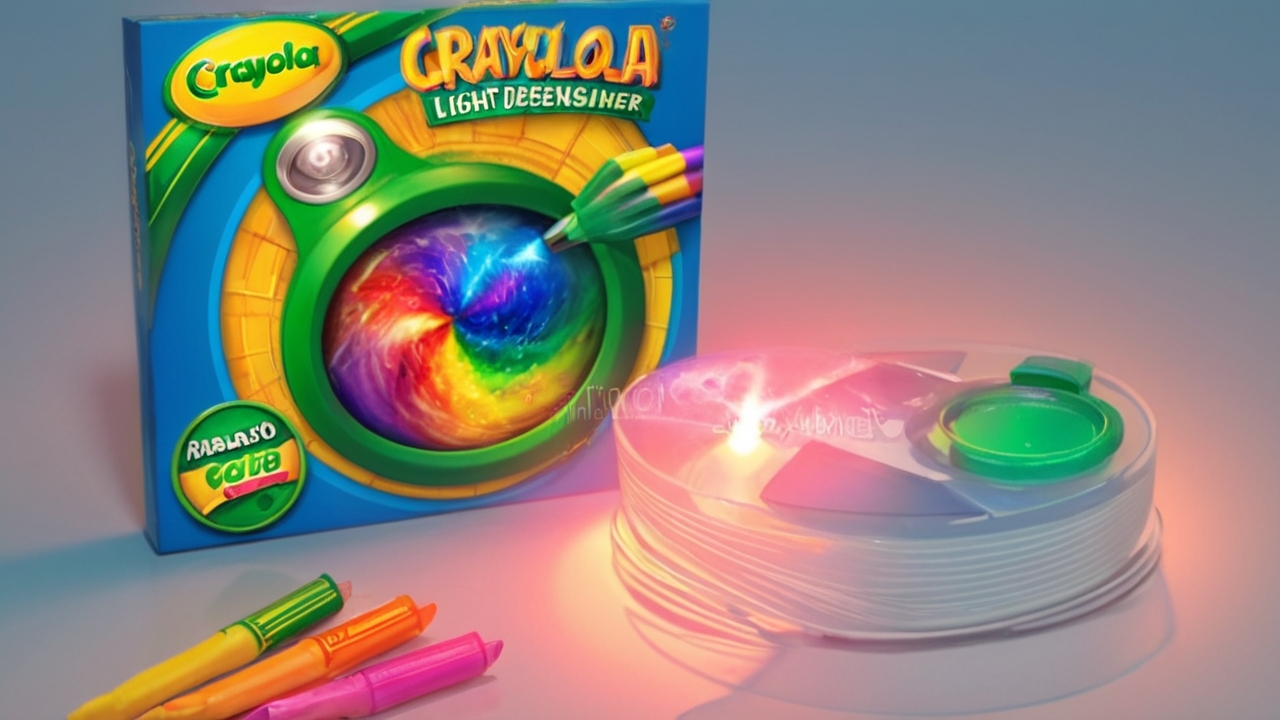
The Crayola Light Designer is a dome-shaped drawing board that spins. Children use wet-erase markers to draw on the clear dome surface, then activate the motor to rotate it. An LED light source inside illuminates the artwork as it spins, creating the impression of motion and animation. When the room is darkened, the effect is particularly striking.
The key mechanism is persistence of vision. The human eye retains an image for a brief moment after the light source moves on. When the dome spins quickly enough, the brain stitches together the separate positions of the drawing into a continuous moving image. This is the same principle behind traditional animation, film, and the digital screens children use every day, and it is something most primary-aged children have never had explained to them in a way they can physically test.
The device works with wet-erase markers rather than standard dry-erase markers. This distinction matters in a classroom context: wet-erase marks are more durable during spinning and do not smear as easily, but they require a damp cloth to clean rather than a dry wipe. Teachers setting this up for group work should have a damp cloth or sponge at each station.
Feature
Educational Application
360-degree rotating dome
Demonstrates persistence of vision (Science/Computing)
LED internal lighting
Explores how light travels and illuminates (Science KS2)
Wet-erase drawing surface
Sequential drawing tasks, iterative design (Art and Design)
How the Crayola Light Designer Links to the UK National Curriculum
The device is not a toy that happens to touch on learning. With deliberate planning, it addresses specific objectives across four subject areas.
Science (KS2): Light, Shadows, and Persistence of Vision
The KS2 Science programme of study includes the requirement for pupils to “recognise that light appears to travel in straight lines” and to understand how the eye works. Persistence of vision is a natural extension of this: the eye and brain process light in time, not just space, and the Crayola Light Designer makes that process visible.
Ask children to draw a simple shape on the dome, then predict what they think will happen when it spins. After observing, introduce the term persistence of vision and explain that the image is not actually moving; the brain is filling in the gaps. This connects directly to KS2 Science (light) and gives children a memorable, first-hand experience to anchor the concept.
You can also explore the relationship between spin speed and image clarity. At slow speeds, children can see the dome moving. As speed increases, the image appears to stabilise. This is an introduction to the concept of frame rate, even if you do not use that term at KS1.
Computing: Understanding Animation, Frames, and Looping
Digital animation works on the same principle as the spinning dome. Each position of the artwork is a frame, and when frames are played in sequence quickly enough, the brain perceives motion. The Crayola Light Designer gives children a physical, non-screen experience of this idea before they encounter it in software.
In KS2 computing, children are expected to understand algorithms and how sequences of instructions produce outcomes. The act of planning a drawing for the dome, deciding what should appear where, in what sequence, is an exercise in algorithmic thinking. Children must consider the 360-degree nature of the surface: where does the story or pattern start, and where does it end? Because the dome is circular, the beginning and the end must connect seamlessly. This introduces the concept of loops and cyclical sequences.
Art and Design: Kinetic Art and the Design-Test-Refine Process
KS1 and KS2 Art and Design objectives include using and exploring a range of tools and materials, developing ideas through sketching and testing, and learning about artists and their work. The Crayola Light Designer fits naturally into a unit on kinetic art, which uses movement as a central element of the artwork.
Children can explore what happens to symmetrical versus asymmetrical designs when they spin. A symmetrical pattern tends to create a stable, pulsing image; an asymmetrical one creates a more dynamic visual effect. This connects to the mathematical concept of symmetry and gives children a visual test of their geometric understanding.
English and Literacy: Circular Narrative and Sequencing
A less obvious but genuinely useful application is in English literacy. The 360-degree dome surface supports the concept of a circular or cyclical narrative: a story that has no clear beginning or end because it loops back on itself. The dome’s continuous rotation makes this idea concrete in a way that a page cannot.
Ask children to plan a simple story or scene that works as a loop: a character wakes up, goes through a day, returns to bed, and the cycle begins again. Translating this into a visual drawing on the dome requires them to think about sequence, transition, and continuity, the same structural skills they need for a written narrative.
Three STEAM Activities for Classroom or Home
Activity 1: The Rotating Solar System (Science and Geography, KS2)
Learning objective: Understand how planets orbit the sun; introduce the concept of persistence of vision.
What to do: Have children draw a simple solar system on the dome, placing the sun at the centre and planets at increasing distances around it. Ask them to predict what the image will look like when spinning before they test it. Spin the dome and observe: the planets appear to orbit the sun continuously.
Success criteria:
Child can name the spinning effect and explain why the image appears to move
Child can arrange planets in approximate distance order from the sun
Child can describe the difference between slow and fast spinning in terms of how clear the image looks
Extension: Ask children to add a moon orbiting one of the planets. What challenges does this create when drawing on a curved, rotating surface?
Activity 2: The Infinite Story Narrative (English and Literacy, KS1-KS2)
Learning objective: Plan and represent a cyclical narrative sequence; practise visual storytelling.
What to do: Introduce the concept of a story that loops: the end leads back to the beginning. Share a simple example (seasons, a school day, a character’s routine). Children plan a four-to-six scene story on paper first, then transfer it to the dome in sequence. When spun, the story plays continuously.
Success criteria:
A child can identify the point where the story loops and explain why it connects
A child can place scenes in a logical sequence around the dome surface
A child can describe their story verbally using time connectives (first, then, next, finally, and again)
Extension: Children write the companion piece: a paragraph version of the circular story that uses the same sequence they drew on the dome.
Activity 3: Geometric Symmetry in Motion (Maths and Art, KS1-KS2)
Learning objective: Explore lines of symmetry; observe the visual effect of symmetrical and asymmetrical patterns in rotation.
What to do: Children draw two versions of a pattern on the dome: one symmetrical, one asymmetrical. They predict which will look “busier” when spinning, then test both. Record observations and discuss why symmetrical patterns appear more stable under rotation.
Success criteria:
A child can draw a pattern with at least one clear line of symmetry
A child can describe the difference in visual effect between the two patterns when spinning
A child can use the terms symmetrical and asymmetrical correctly
Extension: Introduce the concept of rotational symmetry. A pattern with rotational symmetry around the vertical axis of the dome will appear completely stable when spinning. Can children design one?
Supporting SEND Learners with the Crayola Light Designer
The light-based, sensory nature of the Crayola Light Designer makes it particularly useful for SEND support, especially in a low-stimulation or sensory room setting. The soft LED glow in a darkened space creates a calming visual focus that some children find easier to engage with than a bright, busy classroom.
For children working on fine motor development, the dome surface provides a forgiving drawing area: mistakes disappear with a damp cloth, and there is no sense of permanence that can cause anxiety in children who struggle with perfectionism or fear of error. The iterative, erasable nature of the task supports a growth mindset approach.
Children working on visual tracking skills can use the spinning dome as a focus exercise: follow the moving image with your eyes without moving your head. This is a low-pressure, engaging version of standard tracking exercises used in some vision support programmes.
“Every child learns differently, and good teaching resources should support that diversity rather than demanding one-size-fits-all. Visual, auditory, and interactive elements give different learners different entry points.” Michelle Connolly, Founder of LearningMole and former teacher with over 15 years of classroom experience
Classroom Setup and Practical Teacher Notes
A few practical considerations will make a significant difference to how smoothly this works in a group setting.
Lighting: The device works in normal lighting but is most impressive in a darkened space. If a full blackout is not possible, positioning children with their backs to windows and covering overhead lights partially with a dark cloth can create enough contrast.
Markers: Use wet-erase markers only. Avoid permanent markers entirely. OHP markers or chinagraph pencils are suitable alternatives to the Crayola own-brand option. Standard whiteboard markers will not erase cleanly from the dome surface.
Cleaning: A damp sponge or cloth removes wet-erase marks quickly. Have one per pair at a minimum.
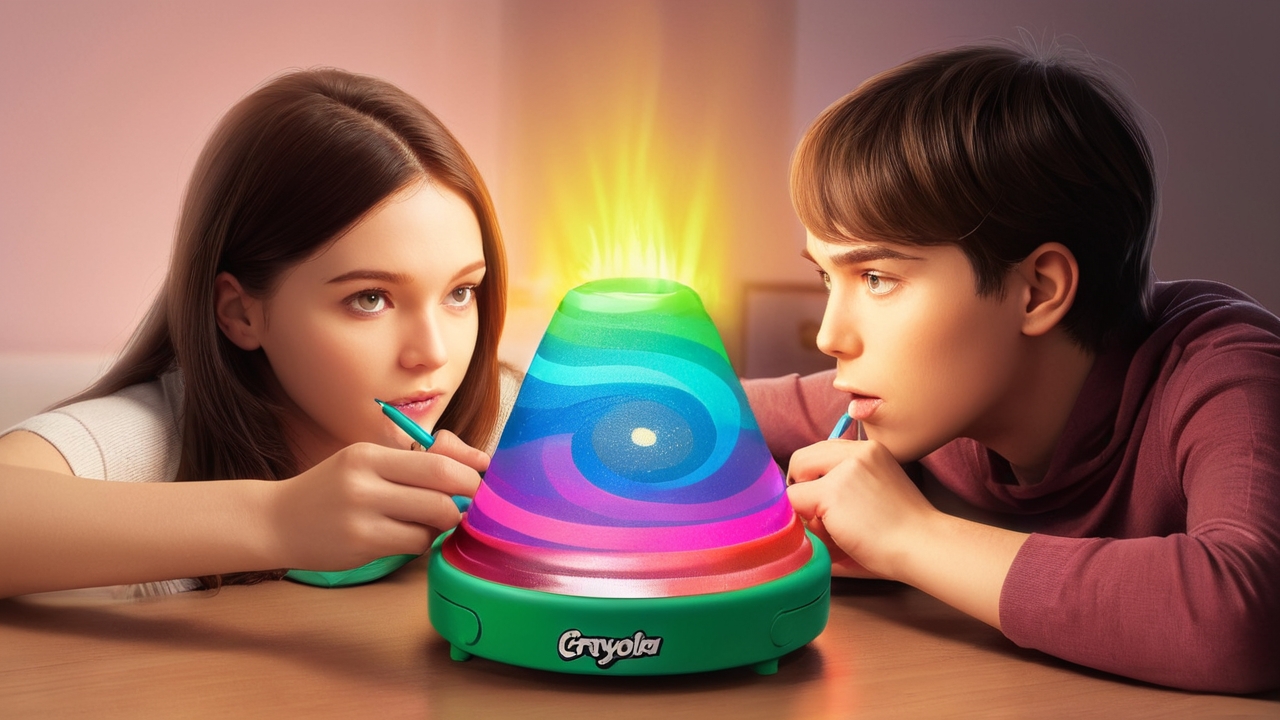
Group size: The dome is designed for individual use, but it works well as a paired activity. Groups of more than two tend to create conflict over drawing time. For whole-class use, set up four to six domes at rotation stations and give each pair a specific task from the activity menu above.
Troubleshooting: If the dome stops spinning mid-session, check the battery compartment first. The motor draws more power than expected from fresh batteries. Rechargeable batteries are a cost-effective option for regular classroom use.
Classroom Stage
Recommended Activity
Curriculum Links
KS1 (Year 1-2)
Symmetry patterns, simple circular stories
Maths (shape), English (sequencing)
Lower KS2 (Year 3-4)
Solar system orbits, narrative loops
Science (light), Geography (solar system)
Upper KS2 (Year 5-6)
Frame rate investigation, kinetic art design
Computing (algorithms), Art and Design
SEND support
Sensory engagement, visual tracking, fine motor drawing
All areas, adapted
EYFS
Free exploration of light and movement
EYFS Understanding the World
Teaching Resources and Support
LearningMole’s library of curriculum-aligned educational videos covers the science topics that underpin this device’s best classroom uses. The light and shadow topic connects directly to KS2 Science, and LearningMole’s science videos for primary schools explain these concepts in clear, visual terms that work well as a pre-activity introduction or post-activity consolidation.
For computing topics around animation and sequencing, LearningMole’s resources for primary technology and digital literacy provide the conceptual groundwork before children encounter coding tools and animation software in later years. Pairing a physical, hands-on session with the Crayola Light Designer with a short explanatory video helps children connect what they observed with the underlying principle.
Parents using this device at home can find additional activity ideas and curriculum context through LearningMole’s home learning resources. The activities in this guide are designed to work without specialist equipment or classroom infrastructure: a darkened bedroom or living room works as well as a sensory room for most children.
What age is the Crayola Light Designer suitable for?
The device is designed for children aged six and above, which maps to KS1 in the UK National Curriculum (Year 1 and Year 2). Free exploration activities work well at this stage. The more structured curriculum activities described in this guide, particularly the computing and science connections, are better suited to KS2 (Years 3 to 6). EYFS children (aged 3 to 5) can engage with the light and movement aspect in a supervised, sensory-focused way, though the drawing and planning activities require more mature fine motor skills and sequencing ability.
Can I use regular dry-erase markers on the dome?
Standard dry-erase or whiteboard markers are not recommended. They can leave residue that is difficult to remove cleanly and may scratch the dome surface over time. Wet-erase markers, OHP markers, or window markers work correctly and clean up with a damp cloth. Permanent markers must be avoided entirely. If you are buying supplies for classroom use, test your preferred marker type on a small area of the dome before committing to a bulk purchase.
How do I explain the spinning movement to a child?
Start with something they already understand: ask a child to wave their hand quickly in front of their face. They will see a blur rather than a clear image. Explain that their eyes are seeing many positions of the hand at once. The Crayola Light Designer works the same way: as the dome spins, their eyes see each position of the drawing briefly, and the brain strings these positions together into a moving image. Introduce the term persistence of vision once the concept is established through experience. Children aged 8 and above can usually engage with this explanation and connect it to how television and film work.
Is it suitable for a bright classroom?
The device functions in normal classroom lighting, but the animation effect is significantly more impressive in a darker space. For full impact, try a sensory room, a corridor with overhead lights dimmed, or a classroom with blackout blinds. If none of these are available, position children facing away from windows and project dark card over nearby lights to reduce ambient light. Even partial dimming creates enough contrast to make the effect visible and engaging.
What does this teach in the computing curriculum?
The Crayola Light Designer connects to several KS2 Computing objectives. Planning a drawing for the dome is an exercise in sequencing: children must think about what appears where, in what order, and how the end connects to the beginning. This mirrors the logic of loops in programming, where a sequence of instructions cycles repeatedly. The relationship between spin speed and image clarity introduces the concept of frame rate, which is foundational to understanding digital animation and video. These connections can be made explicit through discussion questions: “How is planning your dome drawing like writing an algorithm?” and “What would happen if we slowed the dome down to one frame per second?”
How does this support home learning?
Parents do not need a classroom setup to use this effectively at home. A dimmed bedroom or living room creates enough contrast for the effect to work. The activities in this guide are designed for pairs, which suits a parent-child session. The simplest starting point is the symmetry activity: draw a pattern together, predict what will happen when it spins, then test and discuss. This takes around 20 minutes and connects directly to what children cover in KS1 and KS2 maths without requiring any additional materials beyond the device and wet-erase markers.
How do I know if the learning is sticking?
After a session with the Crayola Light Designer, ask children to explain the spinning effect in their own words without using the device in front of them. A child who understands persistence of vision should be able to describe why the image appears to move even when it is not actually changing. For computing connections, ask children to describe what a “frame” is and why more frames per second produces a smoother animation. For the circular narrative activity, ask children to retell their dome story from any point in the sequence, demonstrating that they understand the loop structure rather than just a linear beginning-to-end version.
Can this be used as part of a Science Week or STEAM Day activity?
The device works particularly well as a STEAM Day station. Set it up alongside a brief explanation card covering the persistence of vision principle, a selection of drawing tasks at different difficulty levels (pattern, solar system, circular story), and a prompt sheet asking children to record their observations. Pairs rotate through the station every 10 to 15 minutes. Position it in a darker area of the room if possible. The cross-curricular connections to science, computing, art, maths, and English make it genuinely STEAM-oriented rather than simply a craft activity, and the brief set-up time makes it practical for event-day logistics.
Conclusion
The Crayola Light Designer is most valuable when a teacher or parent has taken a moment to map what it teaches before handing it to a child. The activities in this guide are a starting point, but the real educational potential lies in the conversation that happens around the dome: why does this work, what does it remind you of, and what would happen if we changed one thing? Those questions, not the device itself, are what turn a light-up toy into a learning experience.
Across science, computing, art and design, English, and maths, the Crayola Light Designer offers cross-curricular connections that are rare in a single hands-on tool. For UK primary schools working within a crowded curriculum, activities that serve multiple subjects at once are worth identifying and using well. LearningMole’s curriculum-aligned video resources and teaching guides can support that planning process, helping teachers and parents connect what children observe with the dome to the broader concepts they will encounter throughout KS1 and KS2.
Children who have physically experienced persistence of vision, who have planned a looping algorithm on a dome before they write one in code, and who have tested symmetry in motion before they calculate it on a worksheet, carry those experiences into their classroom learning with a clarity that abstract instruction alone rarely achieves. That is the case for tools like this, and for the kind of purposeful, curriculum-connected play that LearningMole has always encouraged.
Maths Circus, an innovative platform we've crafted, presents a captivating realm where children learn mathematics through the exciting theme of a circus. The joy of juggling numbers and solving circus...
The 9 times table multiplication has a reputation for being tricky, yet it holds more mathematical magic than any other table in the primary curriculum. Every answer follows two neat...
Article Summary What this article covers: Ten differences between river otters and sea otters, from size, fur and swimming style to diet, tool use and family life, plus which otter...
Article Summary What this article covers: The nine main types of natural disasters, how each one works and how they are measured, which hazards genuinely affect the UK, and how...






Leave a Reply